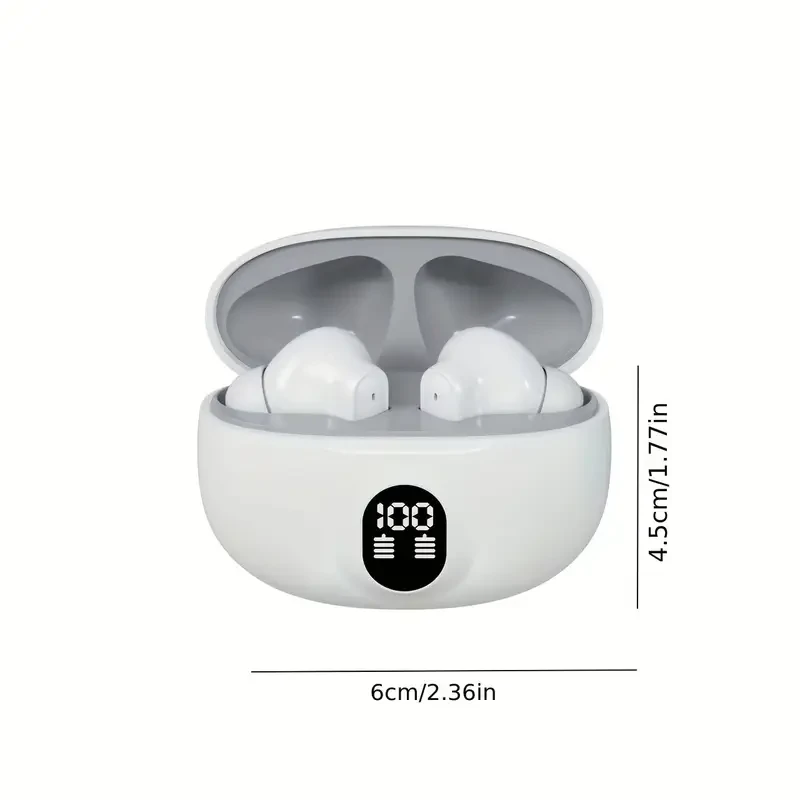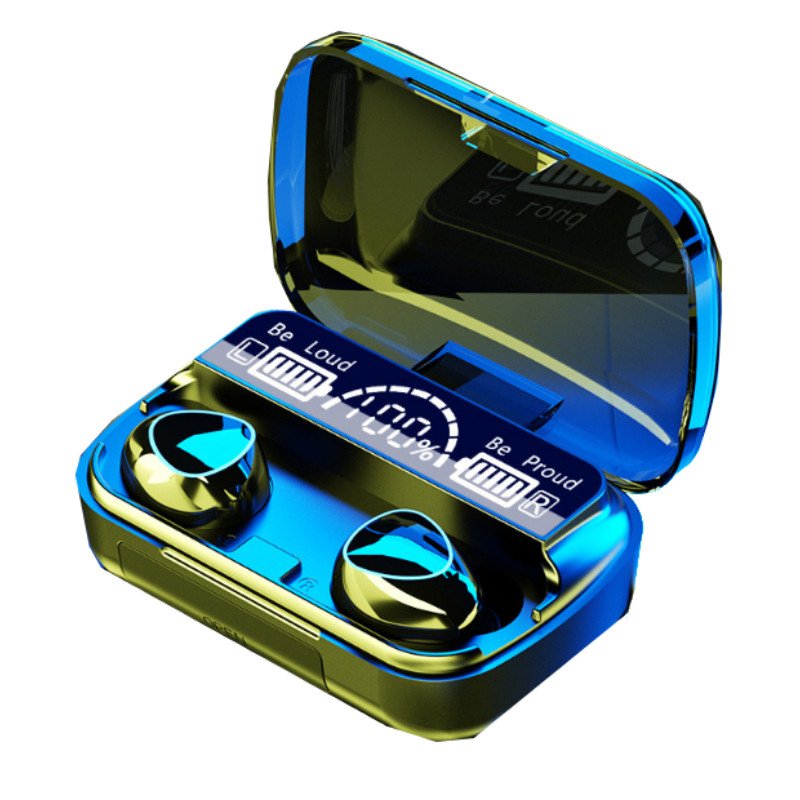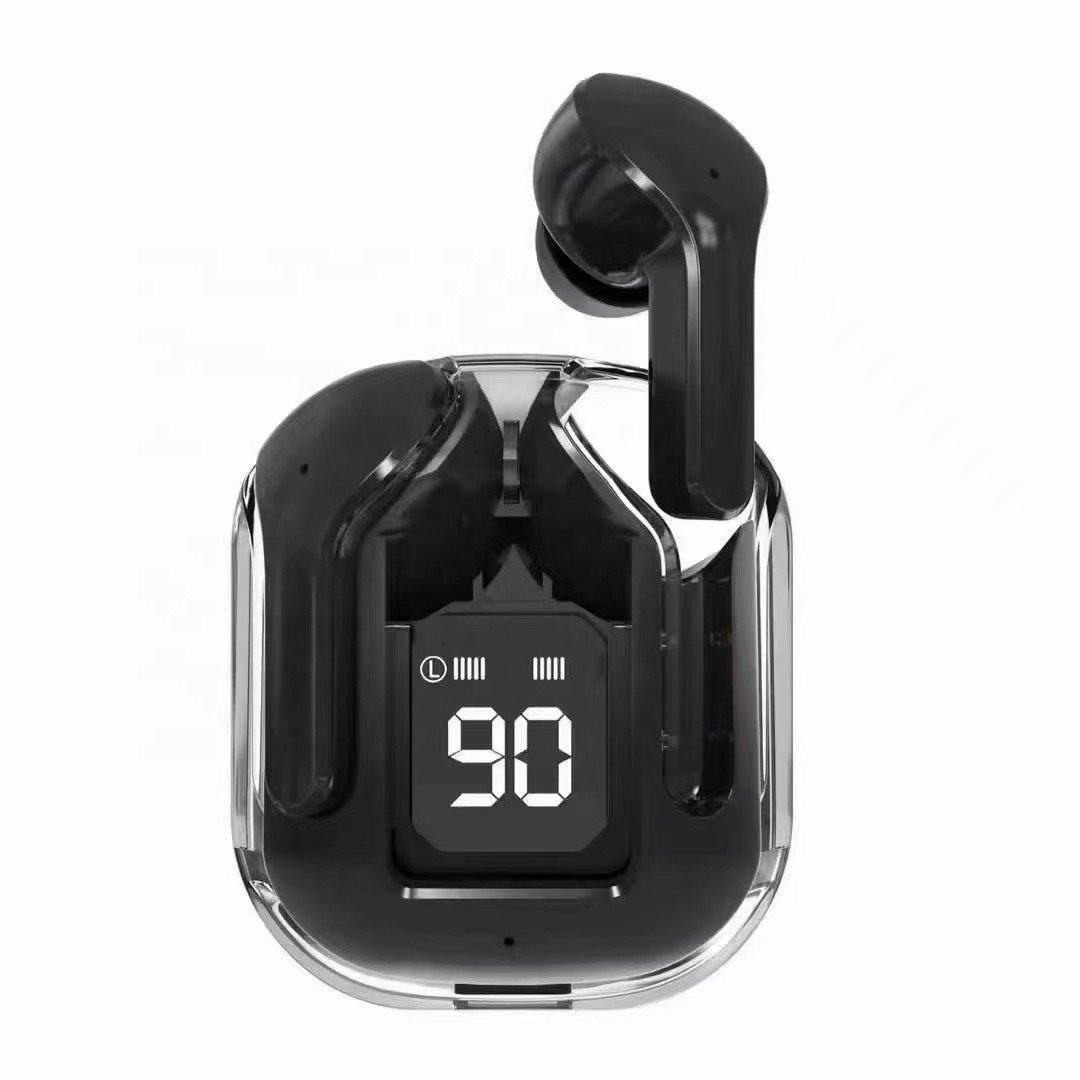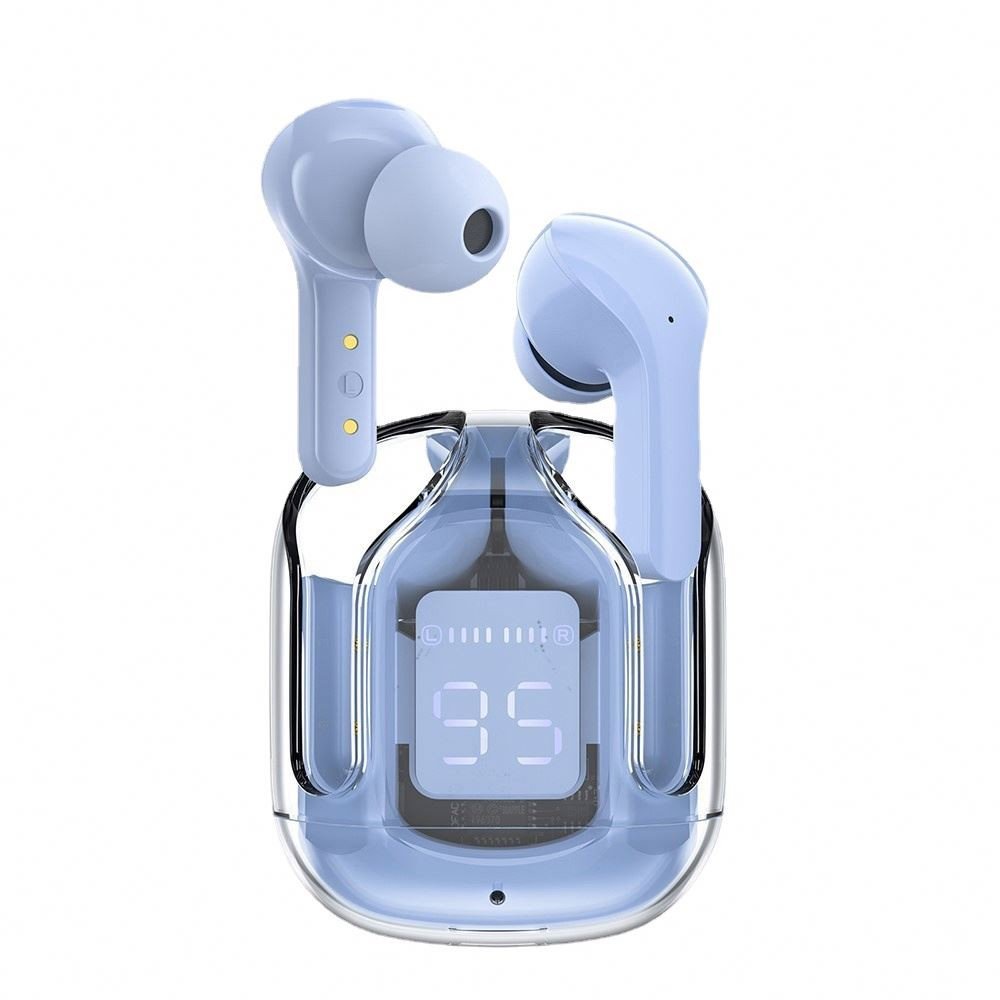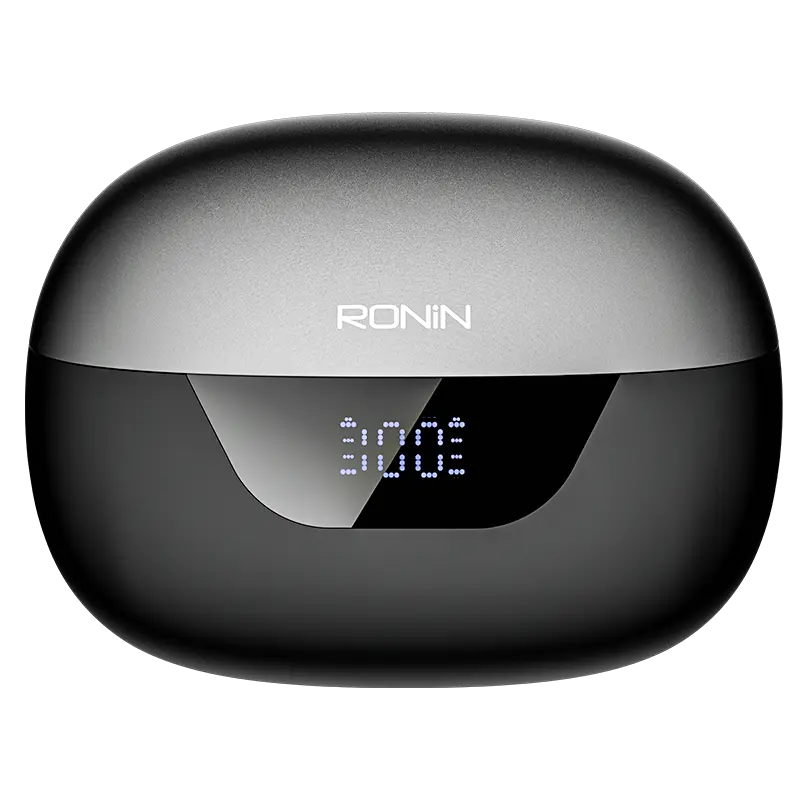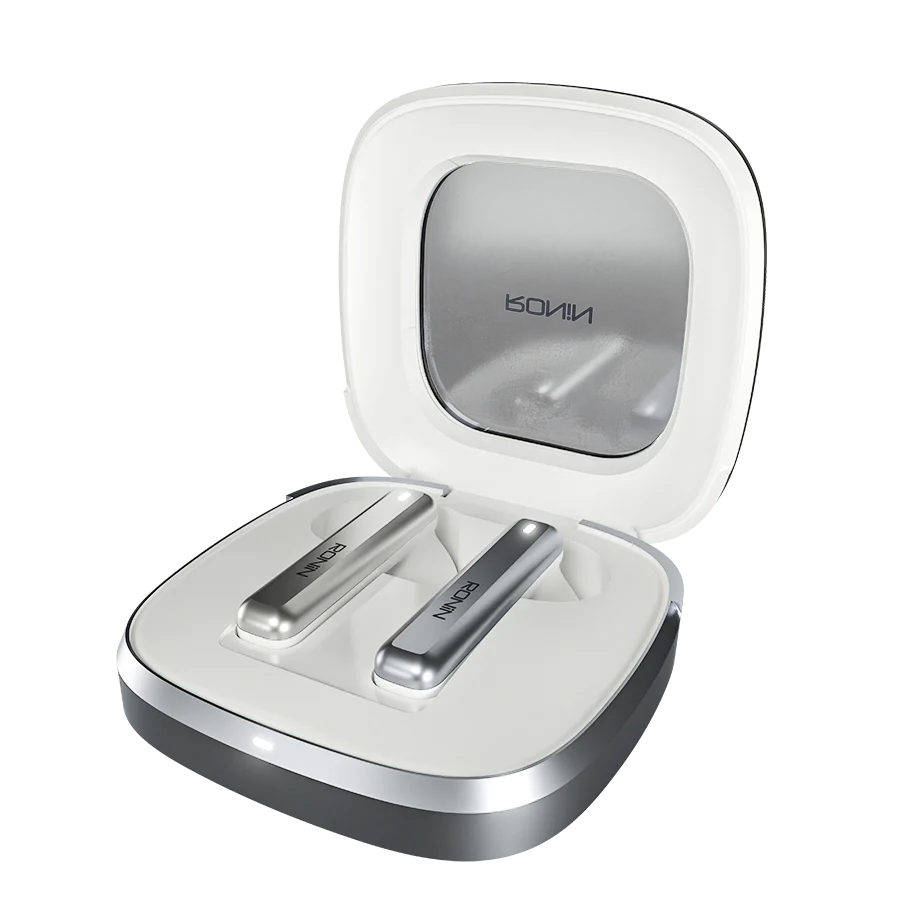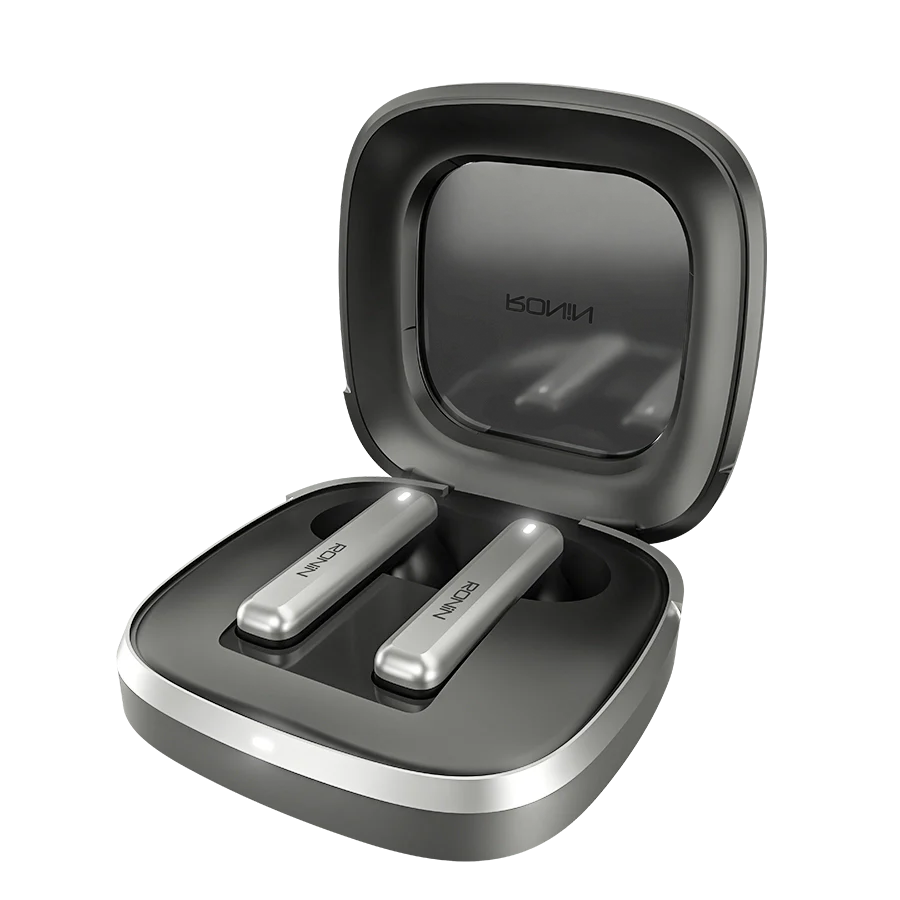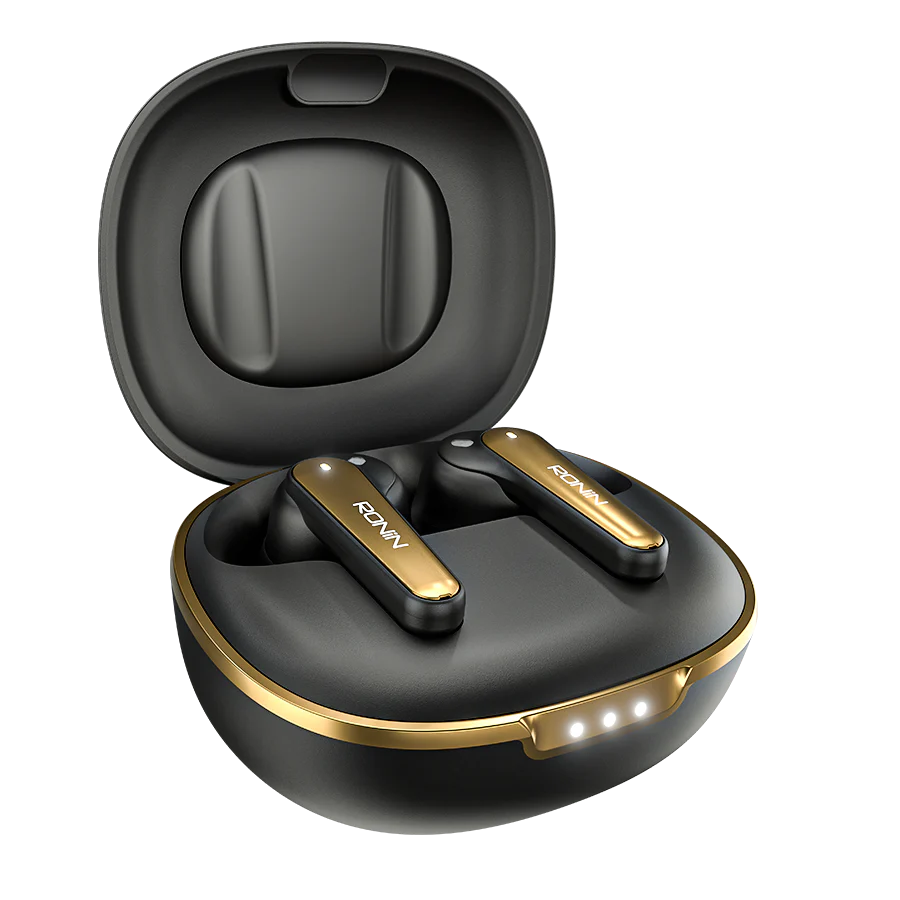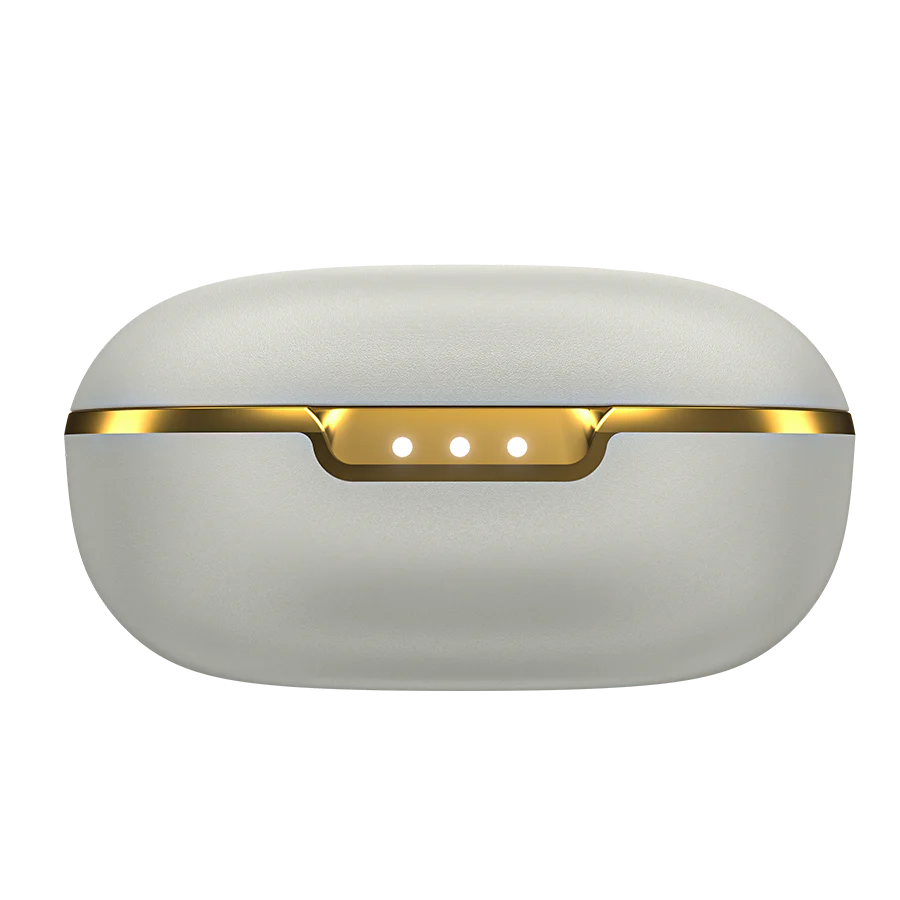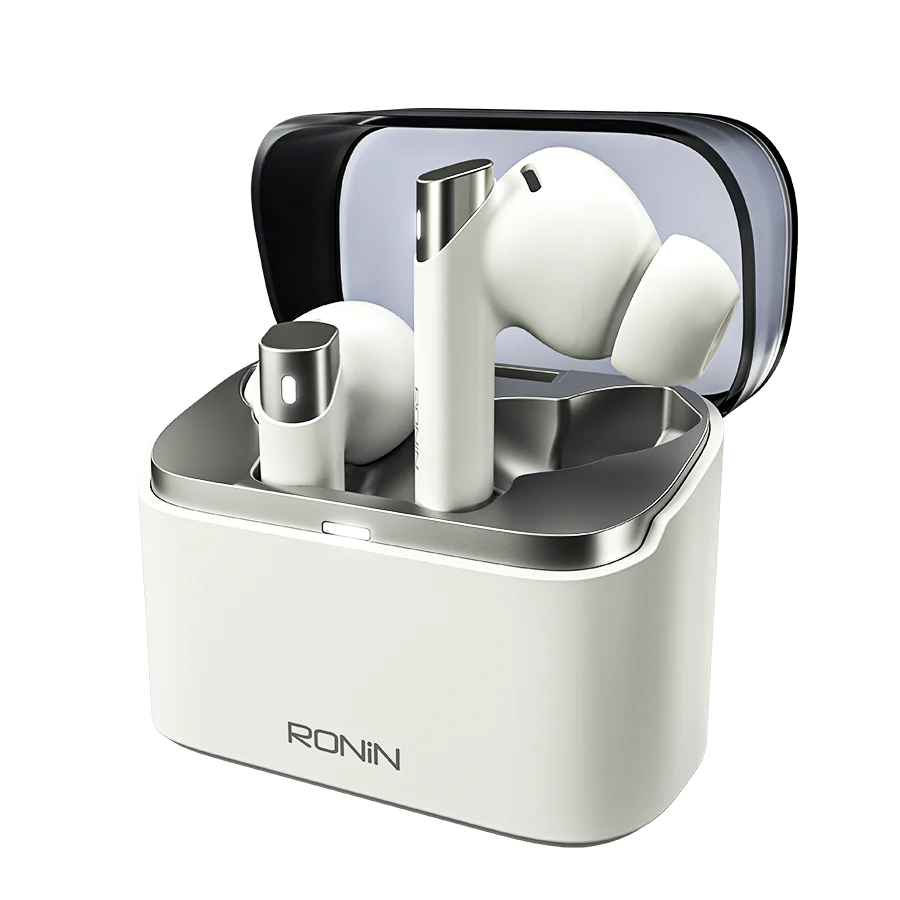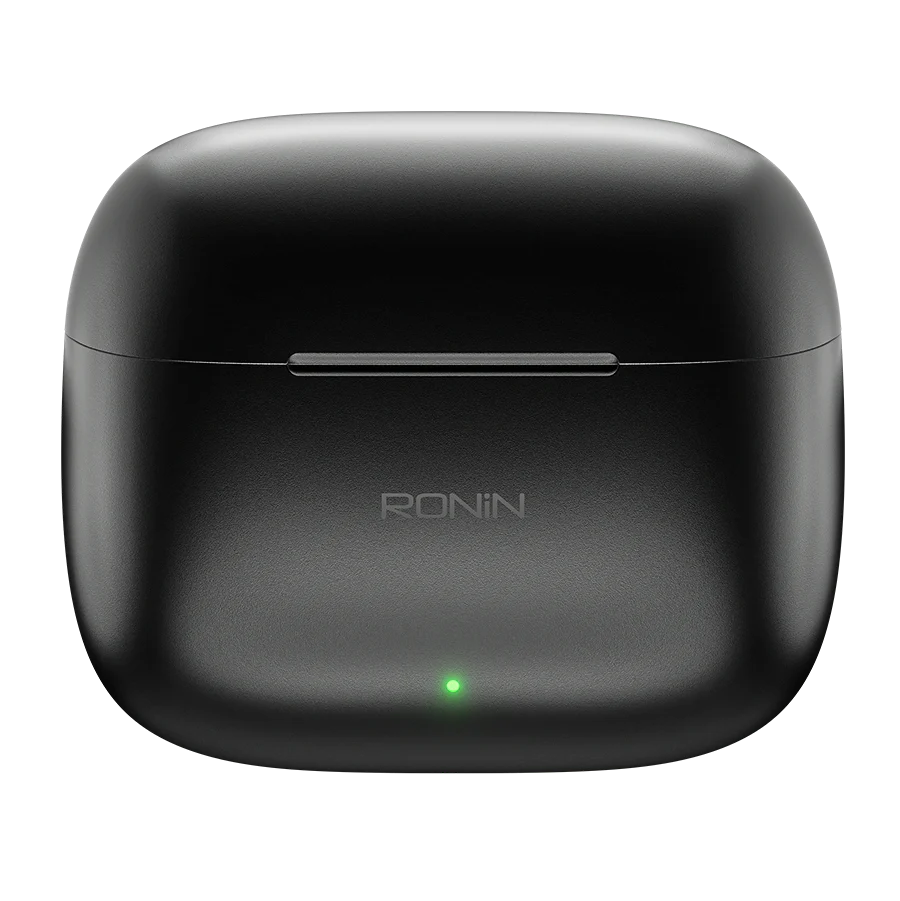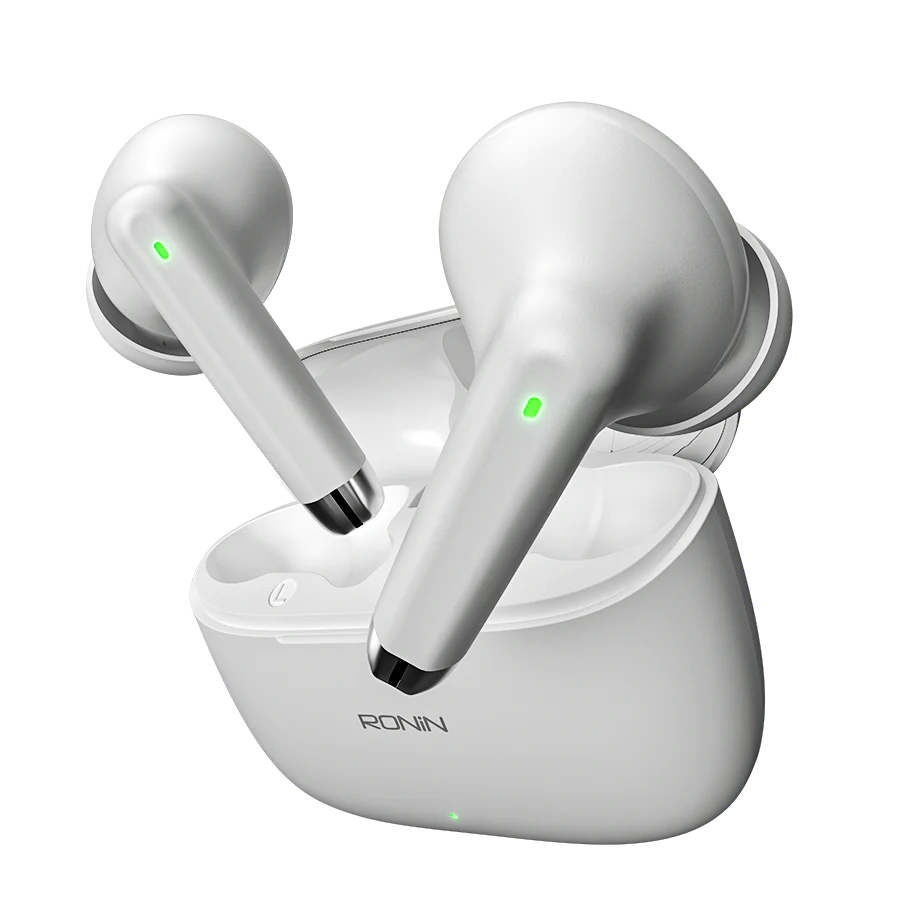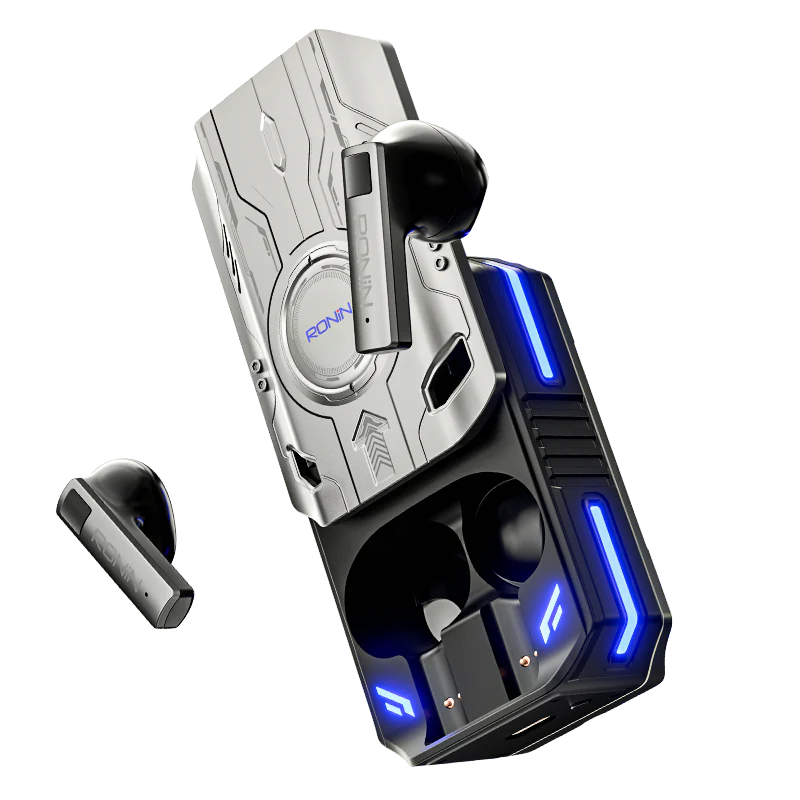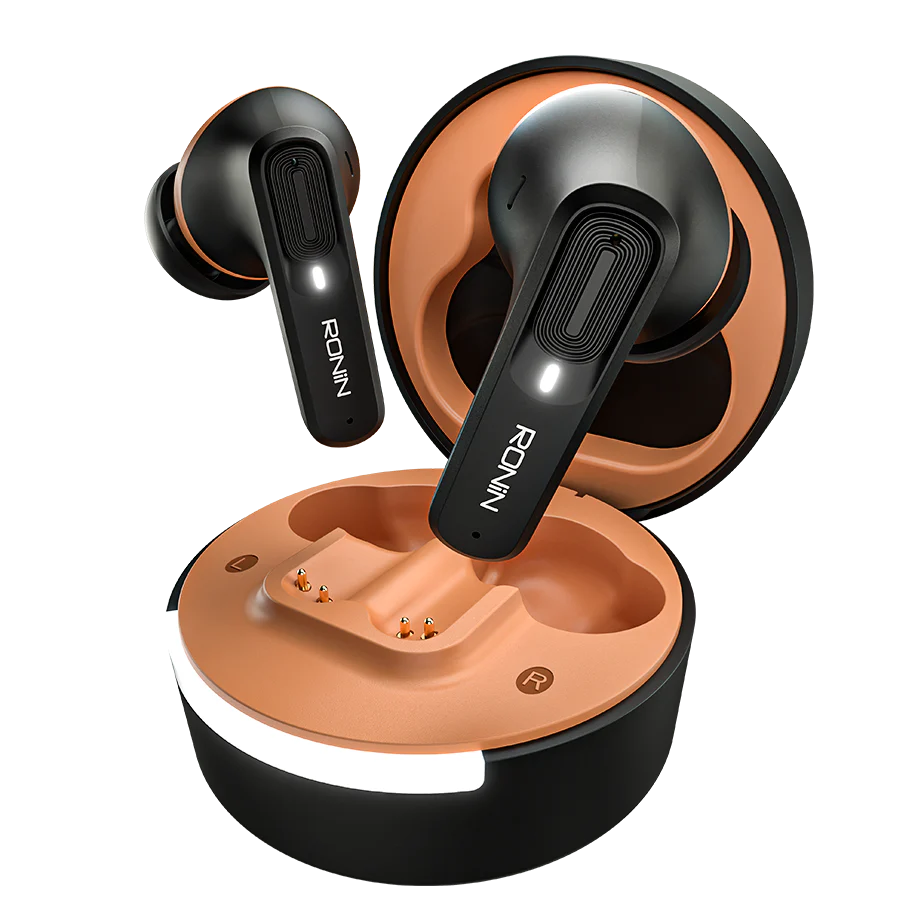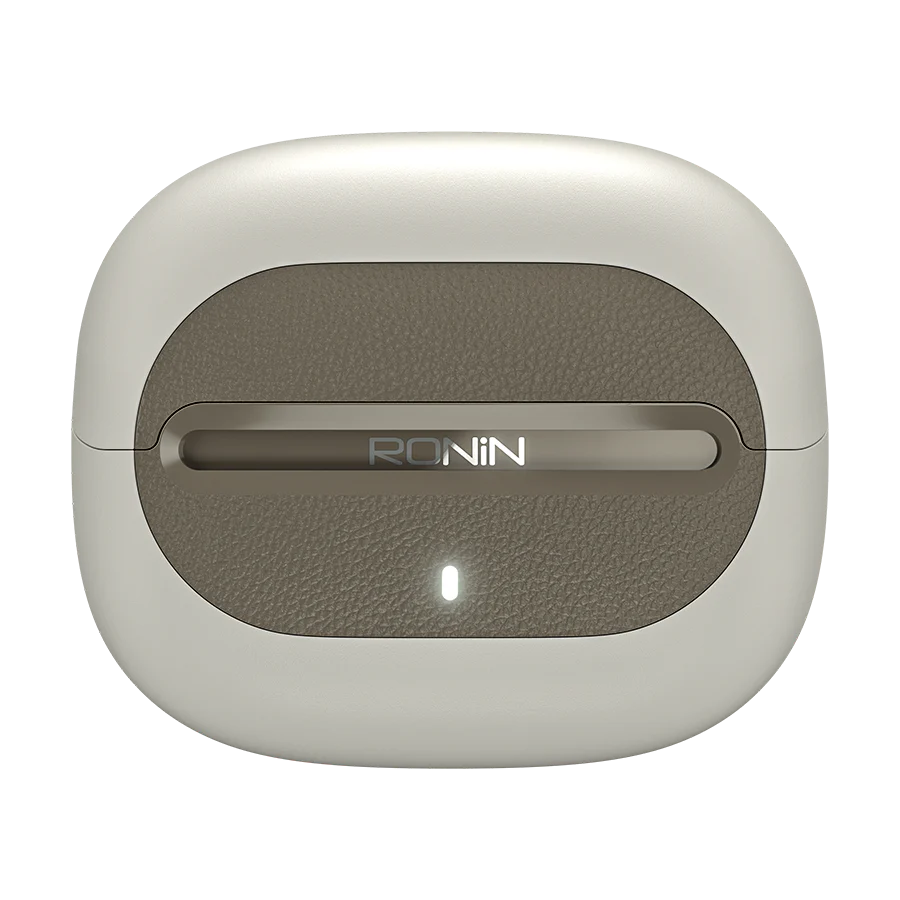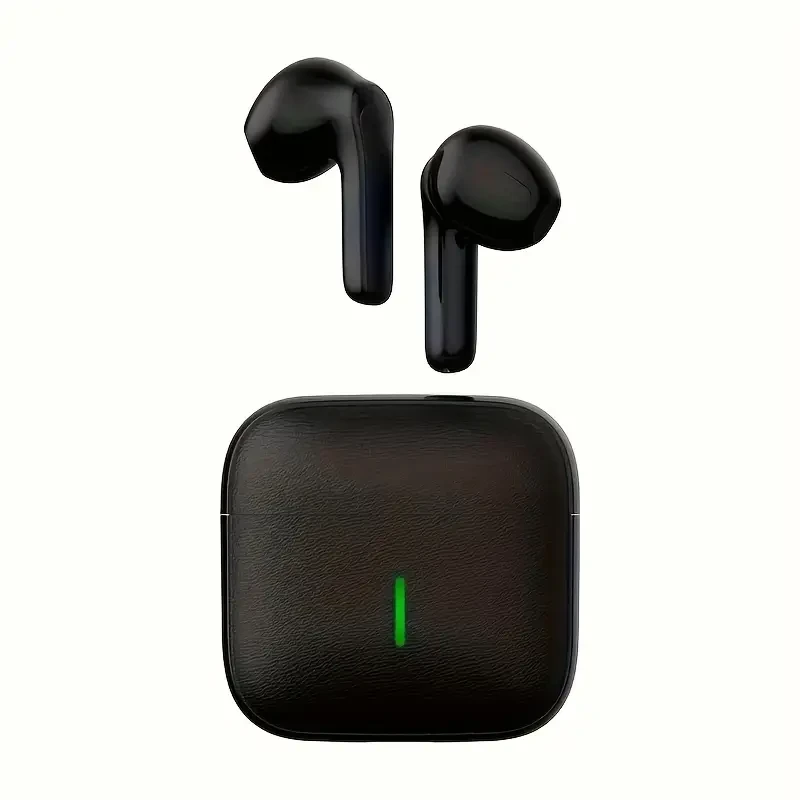
Hot Item, Available in Three Colors: LED Digital Battery Display Wireless Earbuds with Long Battery Life, Stylish And Lightweight, Comfortable In-Ear Design

(0 reviews)
Estimate Shipping Time: 8 Days
Secure Payment
Free Shipping
Easy Returns
Sold by TSpotTEch

PKR1,799.00
/pc
Color
Quantity
(30 available)
Free Shipping
30-Day Returns
2-Year Warranty
Description
To avoid issues with low battery, make sure to charge your headset before using it for the first time.
Turning the device on and off 1. Automatic activation: Take the earbuds out of the charging case, and you will first hear a voice prompt for the channel, followed by a message indicating 'pairing'. 2. Manual activation: After switching off the earbuds, press and hold the device for 3 seconds until a voice prompt is heard. Continue to hold for another 3 seconds until you hear the message 'turn on'.
3. Automatic shutdown: Place the earbuds back in my ears to charge the storage. When the battery is running low, a voice alert will say 'low power', and the headset will automatically shut down shortly after. 4. Manual shutdown: Press and hold the headset for 3 seconds until you hear the voice alert 'turned off'.
Connecting and Disconnecting 1. Remove the headset from the charging case, enable the Bluetooth feature on your phone, locate the TWS device, and connect until you hear "Connected." 2. Disable the Bluetooth feature on your phone, and you will hear a voice prompt saying "Disconnected" on your headset, after which you can return the headset to the charging case.
3. Automatic connection: When you connect your headset to your smartphone for the first time, it will automatically link to your phone as soon as you remove it from the charging case.
Charging Process 1. While the headset is in the charging case, the internal indicator light will illuminate. The charging indicator will display a white light. 2. Once the headset is completely charged, the charging indicator light will turn off. 3. The LED numbers will blink while the charging compartment is in the process of charging and will cease to blink when fully charged.
Method of operation 1: To change tracks, press and hold the left earbud for two seconds to go to the previous song, and do the same on the right earbud to skip to the next song. 2: To modify the volume, double-tap the left earbud to lower the volume, and double-tap the right earbud to raise it. 3: Press the left or right earbud three times to activate the voice assistant.

Reviews & Ratings

0 out of 5.0
(0 reviews)

Customer Reviews

0.0
Based on 0 reviews

No Reviews Yet

Be the first to share your thoughts about this product!

Frequently Bought Products

Product Questions & Answers 0

Have questions about this product? Get answers from the seller and other customers.

Join the conversation

Login or register to ask questions about this product

Community Questions

Other Questions

No none asked to seller yet

Copyright © 2025 FlickPk All Rights Reserved

All categories
Flash Sale
Todays Deal